
How to log in to the course evaluation platform
Go to https://ascola.eu/login. You will be directed to the homepage of the tool where you can log-in.
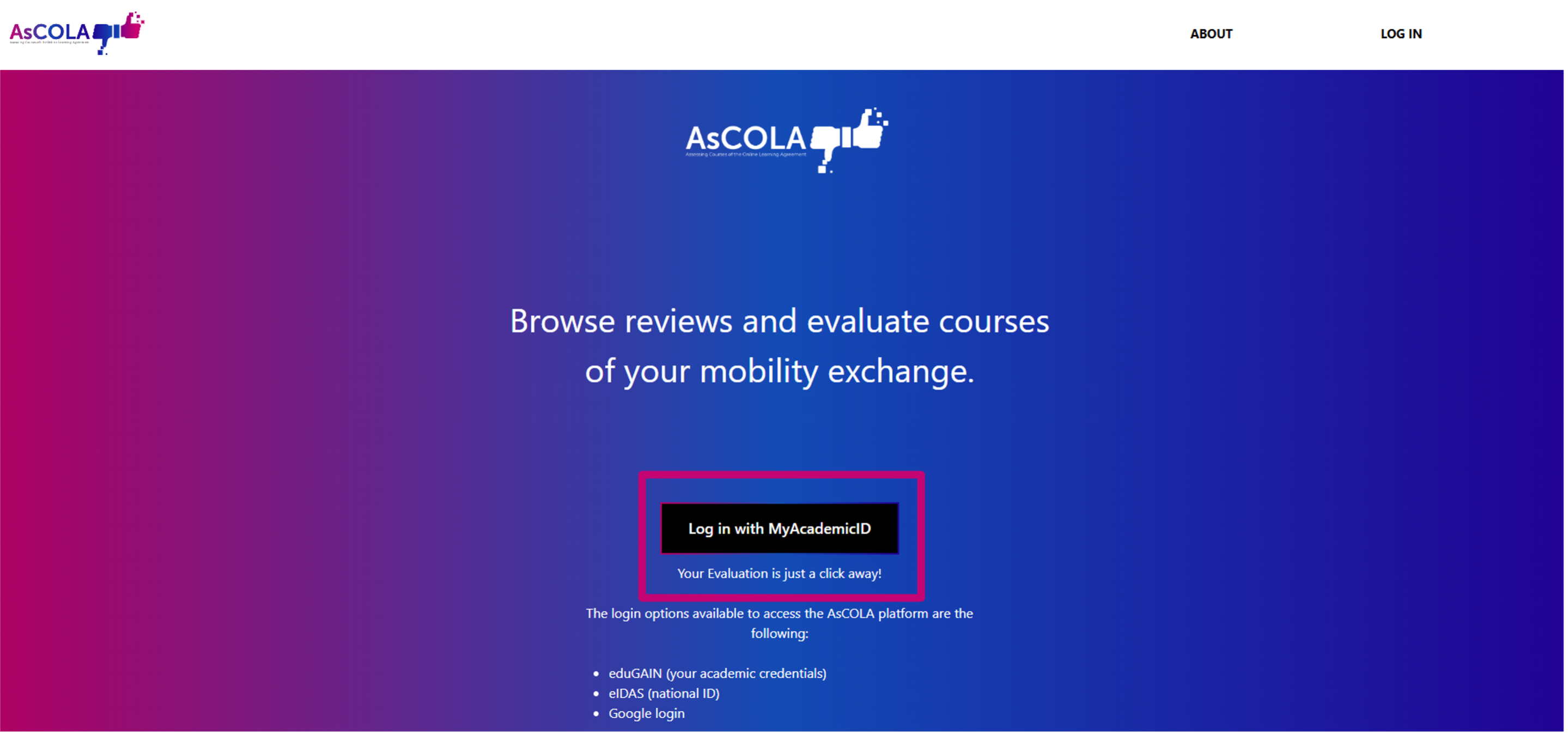
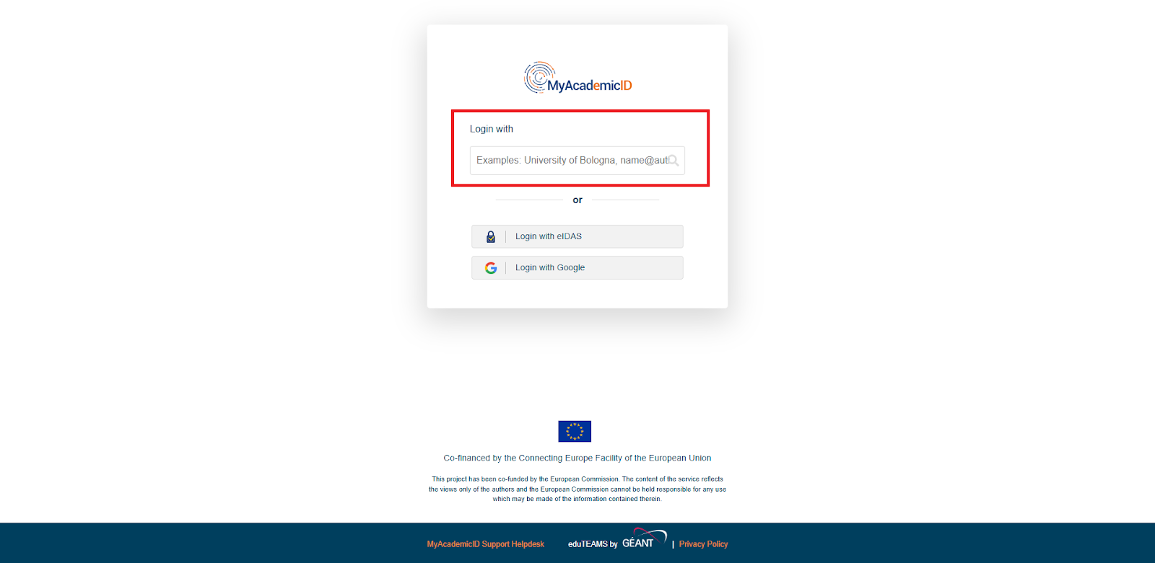
Is it your first time logging in? Log in with your MyAcademic ID or create one by first selecting your Institution and then filling out your login.
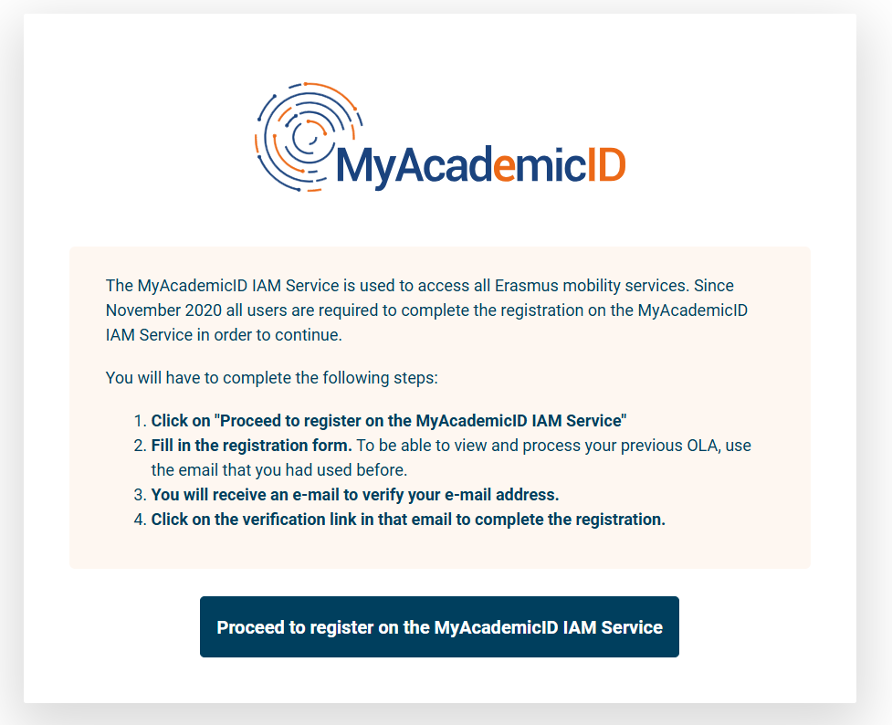
Complete the registration steps as presented on the screen. This includes providing background information about yourself, as part of the registration.
No comments to display
No comments to display