How to provide feedback about your OLA courses (create, edit and delete evaluations)
Fill out the evaluations for the courses you took part in during your exchange via the ‘my evaluations page’.
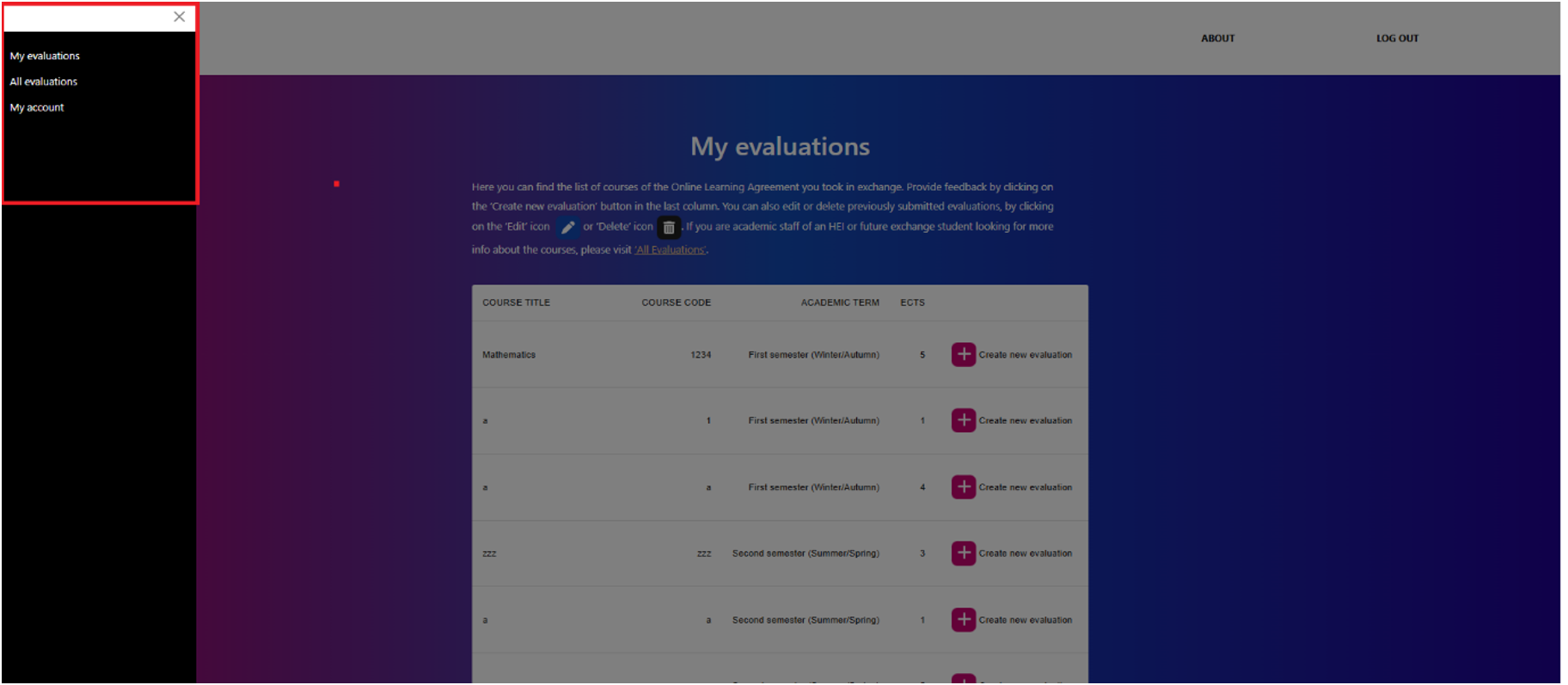
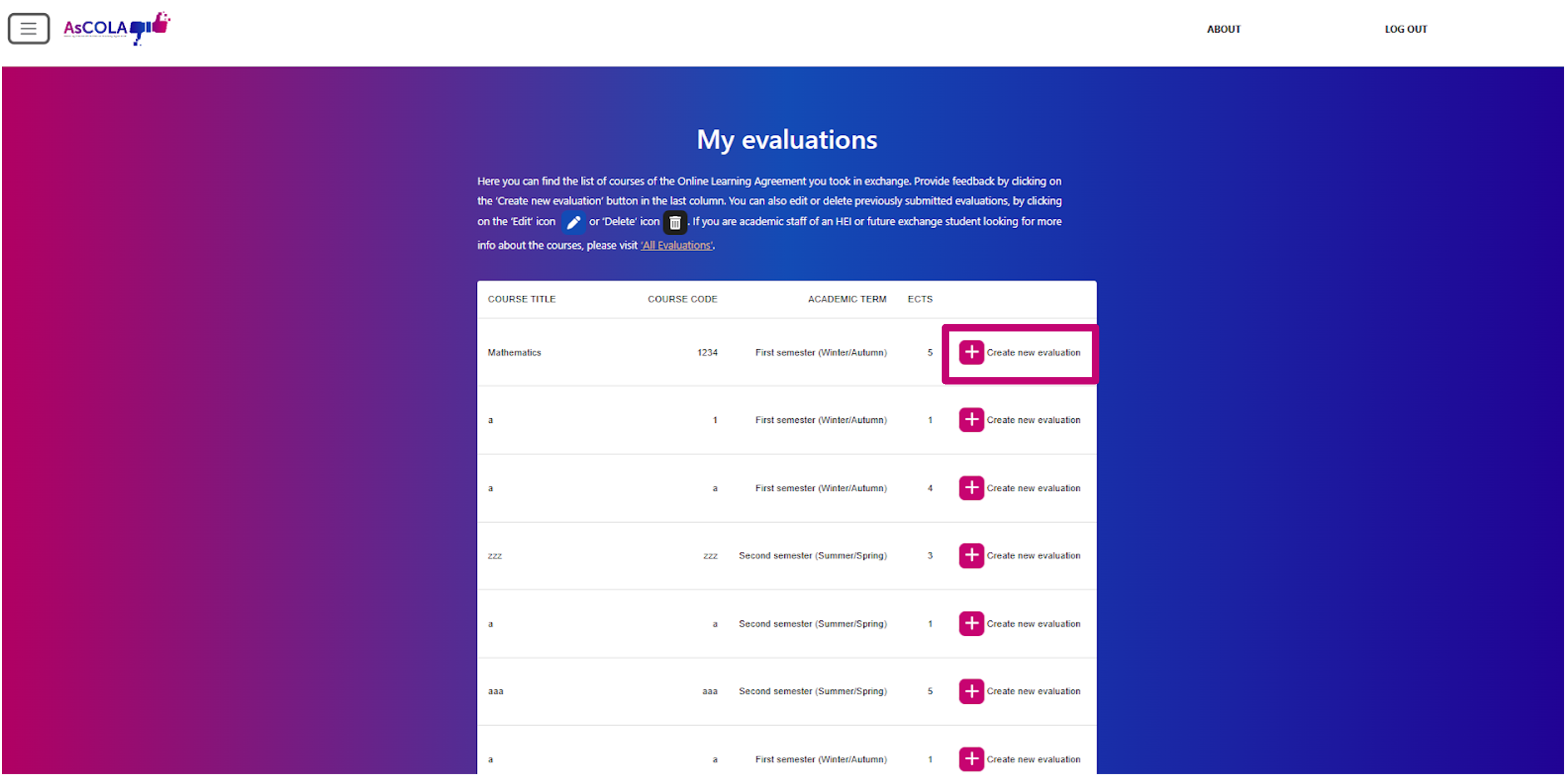
- You can create a new evaluation by clicking the ‘add’ icon next to the course title.
- You can edit previously submitted evaluations by clicking the ‘edit’ icon or delete them by clicking the ‘delete’ icon.
Previously submitted evaluations can be found at the bottom of the list/table.
Fill out the questions per page and click ‘Next Step’. You can go back to the previous page by clicking ‘Previous’.
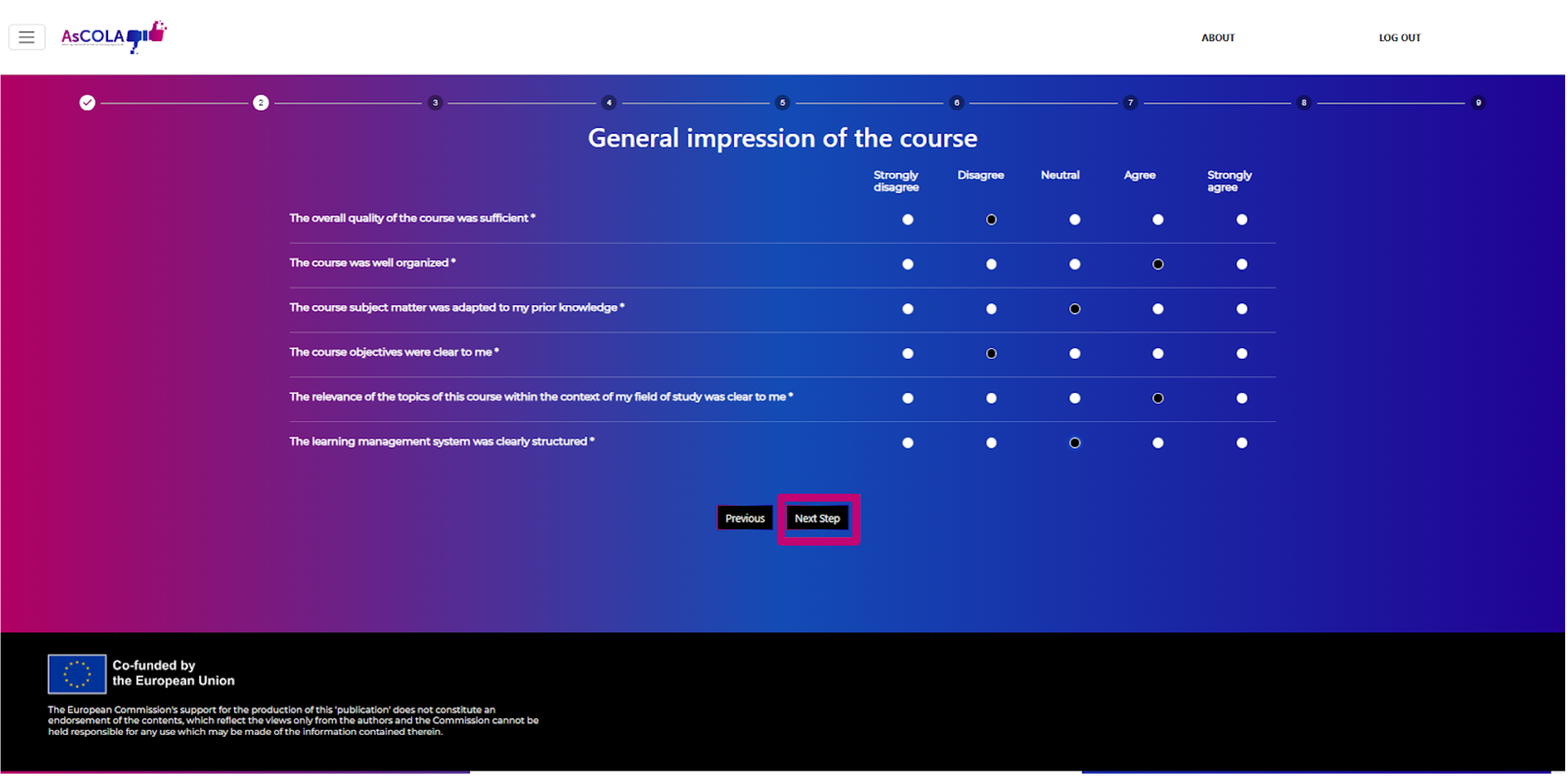
Note: You are required to fill out all questions marked with (*) before you can go to the next page.
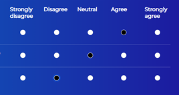
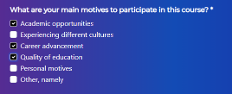
Note: Questions with radio buttons (round bullets, left image) allow one answer; questions with checkboxes (square bullets, right image) allow for multiple answers.
 |
 |
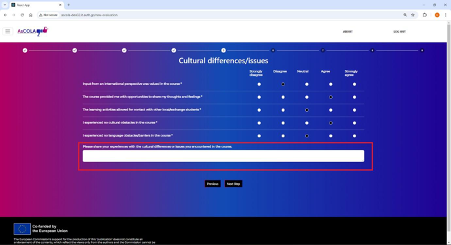
Any further explanations or comments can be left in the open comment fields per topic.
When you’ve filled out all questions from the survey, submit your evaluation by clicking on the ‘Submit’ button at the last step.
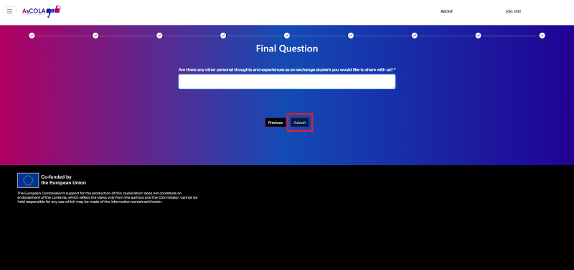
The submitted evaluations can be found by clicking on ‘My evaluations’ (at the end of the list) and can be edited or deleted there.